Template:Map Overlay
From HorizonXI Wiki
Usage
{{Map Overlay
| pos =
| offset x =
| offset y =
| layer =
| contents =
| style =
}}
Used to display an overlay over a map, such as a marker or highlighted area. Best used with Template:Map.
- pos: The position within the map, such as H-6 or B-5.
- offset x: An offset to correct the x positioning of the overlay.
- offset y: An offset to correct the y positioning of the overlay.
- layer: The layer to display the overlay at. Overlays with higher numbers will appear on top.
- contents: The content of the overlay, such as an image or some text. Can be left blank.
- style: Any additional styling to add to the overlay, such as height, width, or background color.
Examples
| Code | Result |
|---|---|
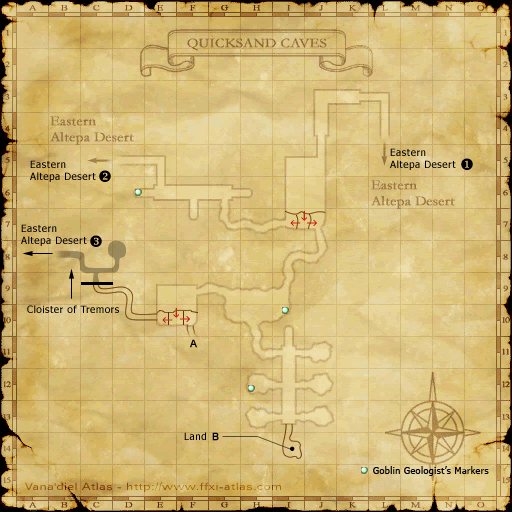
{{Map
| image = Quicksand-caves_1.png
| area = Quicksand Caves
| overlay =
{{Map Overlay
| pos = F-10
| offset x = -5
| offset y = 5
| contents = [[File:Icon Chest.png|10px|link=Treasure Coffer]]
}}
{{Map Overlay
| pos = J-11
| offset x = 10
| offset y = 4
| contents = [[File:Icon Chest.png|10px|link=Treasure Coffer]]
}}
{{Map Overlay
| pos = J-13
| offset x = 10
| offset y = 4
| contents = [[File:Icon Chest.png|10px|link=Treasure Coffer]]
}}
}}
|
|
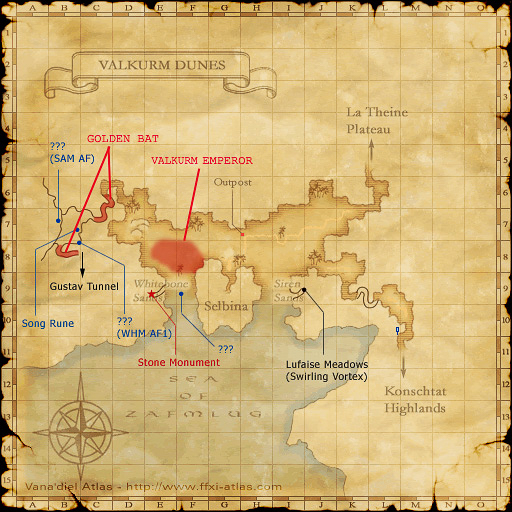
{{Map
| image = Valkurm Dunes.png
| area = Valkurm Dunes
| overlay =
{{Map Overlay
| pos = E-8
| offset x = 2
| offset y = -10
| style = background:#5555ff; opacity: 0.4; width: 50px; height:40px; border-radius:40px;
}}
{{Map Overlay
| pos = E-8
| offset x = -20
| contents = <small>{{Colorlink|#5555ff|Valkurm Emperor}}</small>
}}
}}
|